How to Use Thomson Reuters Case Center App in VIDIZMO
Once the Thomson Reuters Case Center app is integrated and enabled, you can link VIDIZMO cases with Case Center cases and send evidence from VIDIZMO to Case Center.
Prerequisites
- Thomson Reuters Case Center app must be integrated and enabled in your Portal.
Link a Case to Case Center
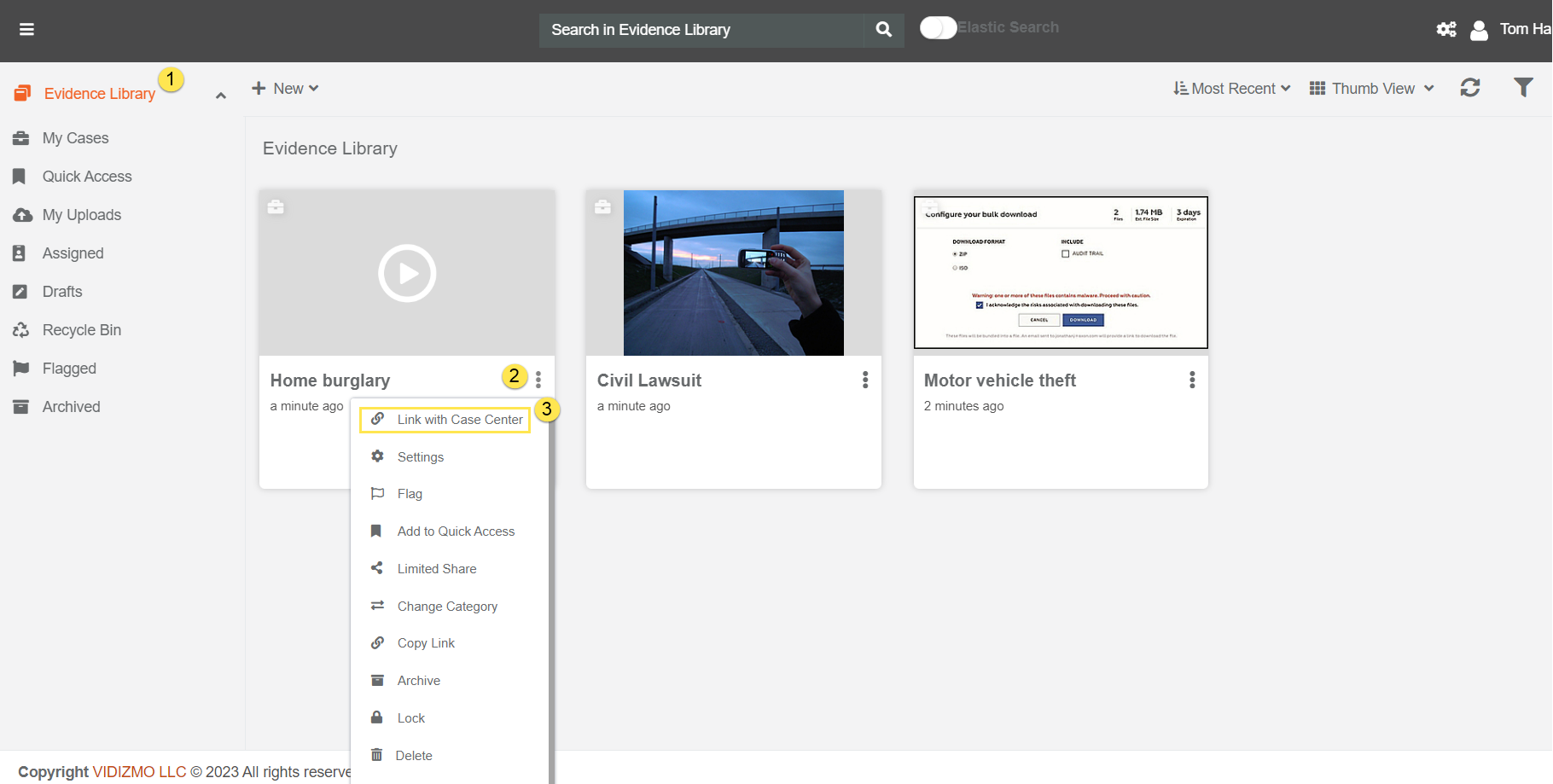
- Go to Evidence Library in VIDIZMO.
- Select the case options icon next to the case title.
- Select Link with Case Center from the dropdown.
The Thomson Reuters Case Center app loads all existing cases. From this screen, you can:
- View the list of all cases in Thomson Reuters Case Center.
- Filter cases by name, hearing date range, or use the options to show training cases and closed cases. Select Apply to filter.
- To create a new case, select Create New Case and enter the case title, type, and template.
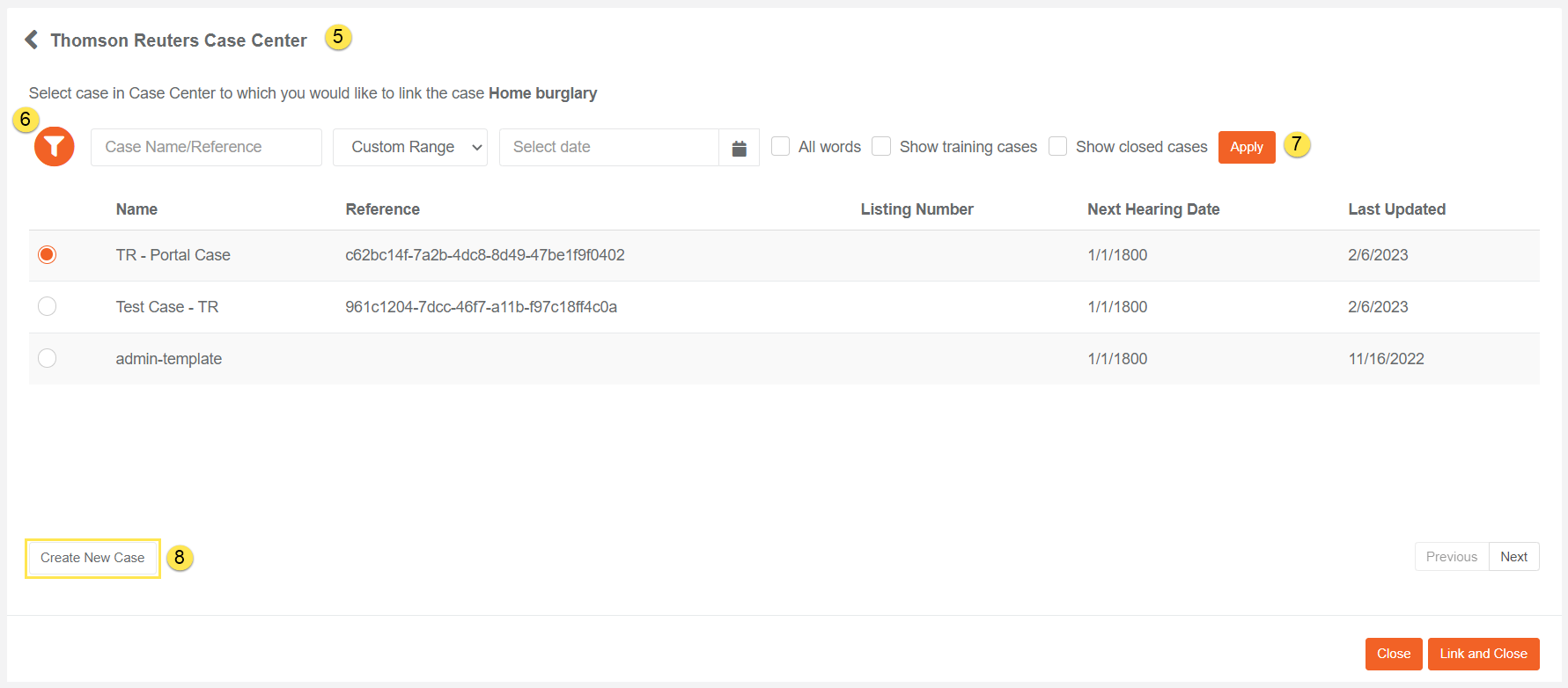
- Select the radio button next to the case you want to link.
- Select Link and Close.
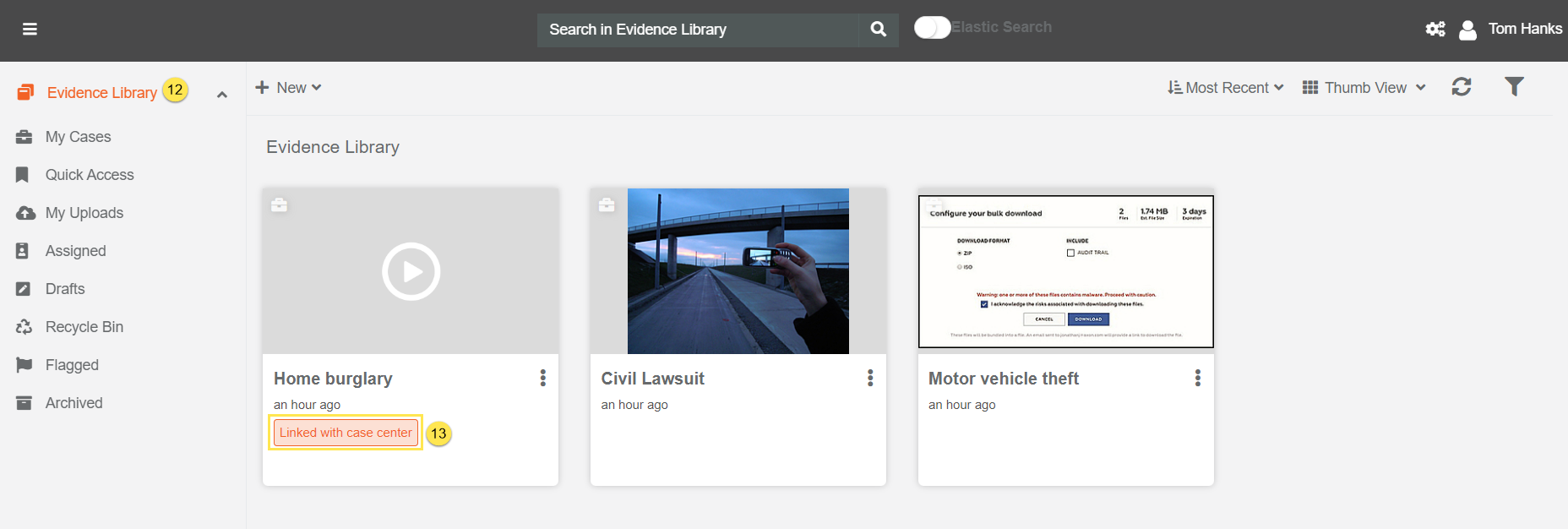
Once linked, a Linked with Case Center tag appears on the case in the Evidence Library.
Send Evidence to Case Center
After a VIDIZMO case is linked with a Case Center case, you can send evidence from VIDIZMO to Case Center.
Send Individual Evidence
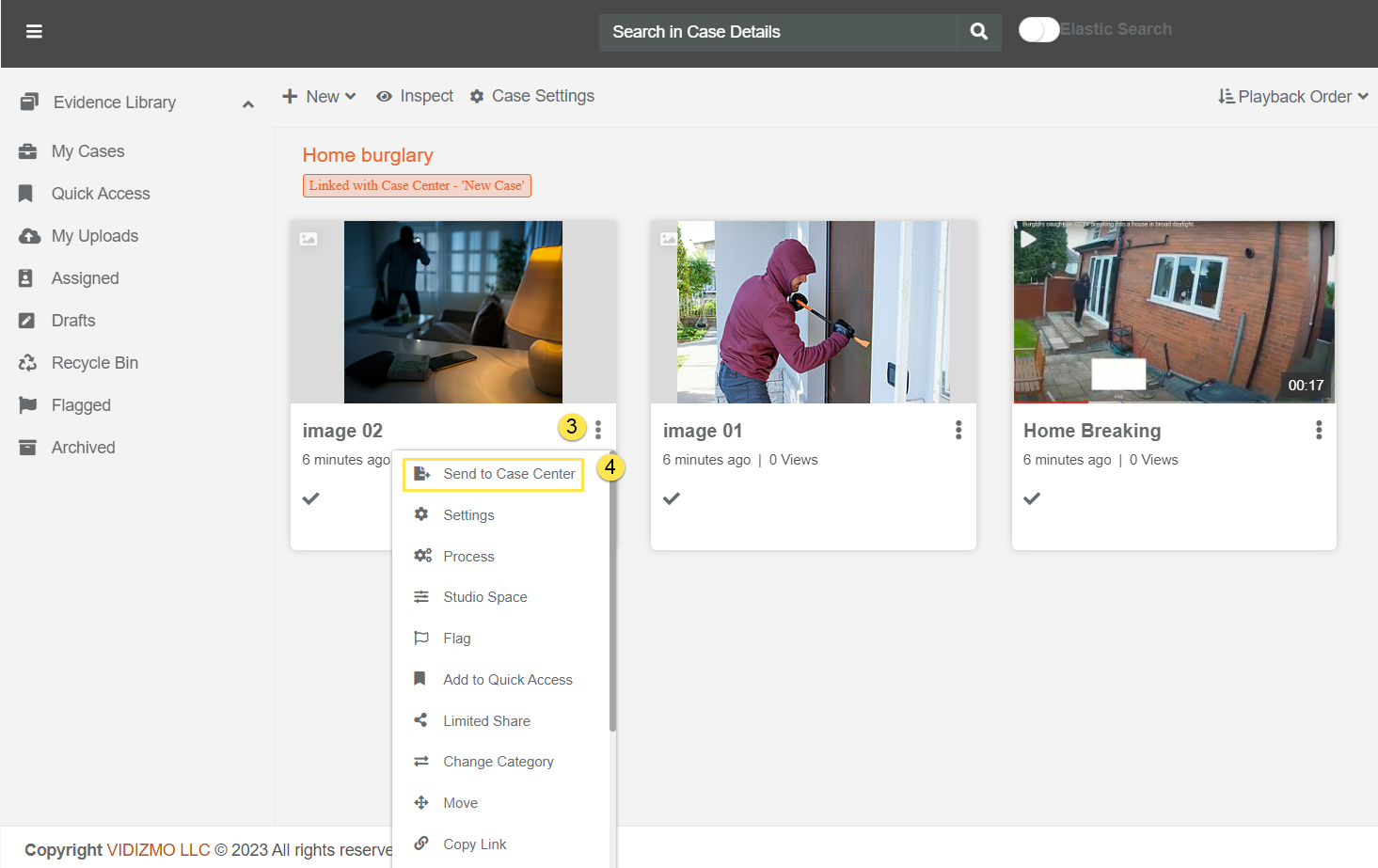
- Go to Evidence Library and select a linked case to open the Case Detail page.
- Select the evidence options icon next to the evidence title.
- Select Send to Case Center.
The app loads all existing sections in the linked case. From this screen, you can:
- View the list of all sections in the linked case.
- To create a new section, select Create New Section and enter the section number/letter and title.
- Select the radio button next to the section you want to send evidence to.
- Select Send to send the evidence, or Send & Close to send the evidence and close the app.
Send Multiple Evidence Items
You can also send multiple evidence items at once.
- In the Case Detail page, select individual evidence items using the checkboxes.
- Select Send to Case Center from the top bar.
- Choose a section and select Send.
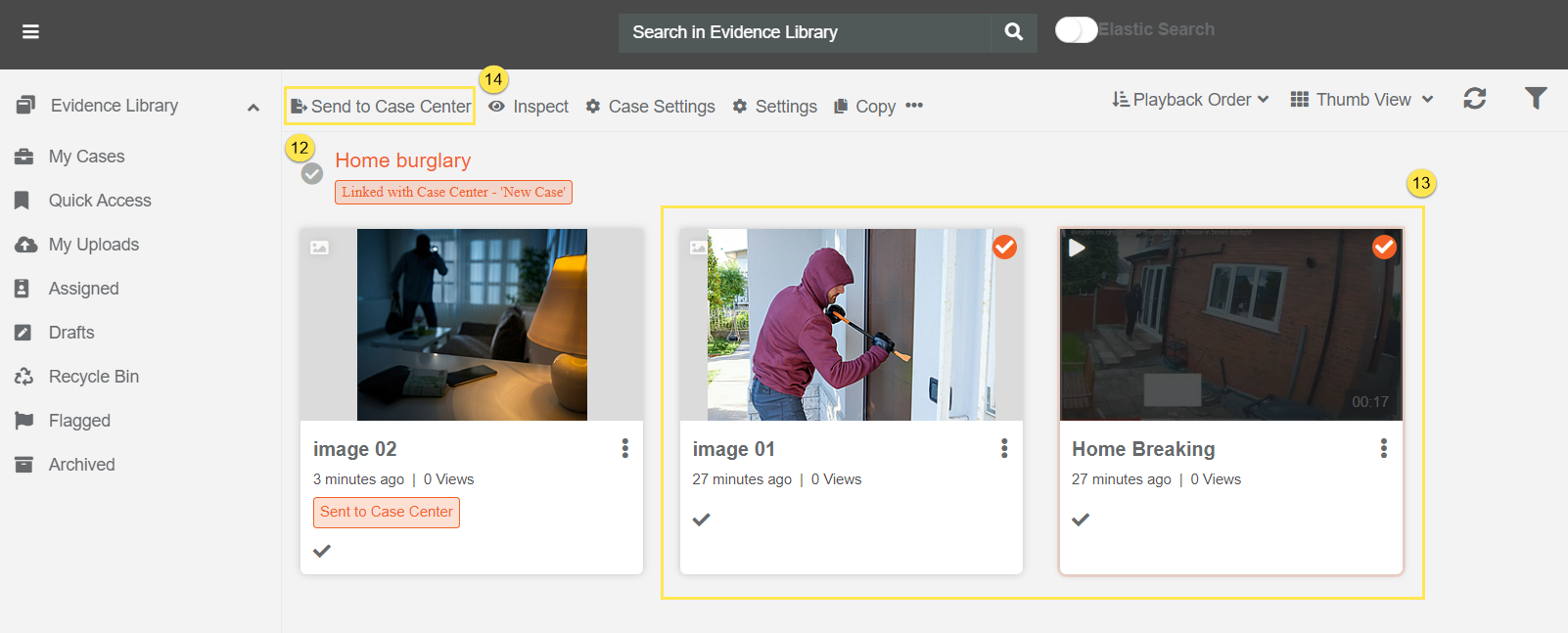
Once evidence is successfully sent, a Sent to Case Center tag appears on the evidence.
Read Next
- Understanding VIDIZMO - Thomson Reuters Case Center Integration
- How to Integrate Thomson Reuters Case Center App with VIDIZMO